1. Introduction
1.1 2.1 Brief History
Early typewriters set the stage in the 1800s with QWERTY layouts. They prevented key jams through smart key spacing. Computers adopted this design in the 1960s. IBM models shaped office standards. Personal PCs brought them home in the 1980s. Membranes replaced heavy mechanics for cost savings. Today, variety explodes with custom builds.
QWERTY sticks around for familiarity. Dvorak and Colemak offer alternatives for speed. Touch typists master layouts fast. Evolutions added USB and Bluetooth links. Laptops shrank them to tenkeys. Mobile devices use virtual screens. Full sizes return for power users.
1.2 2.2 Main Types
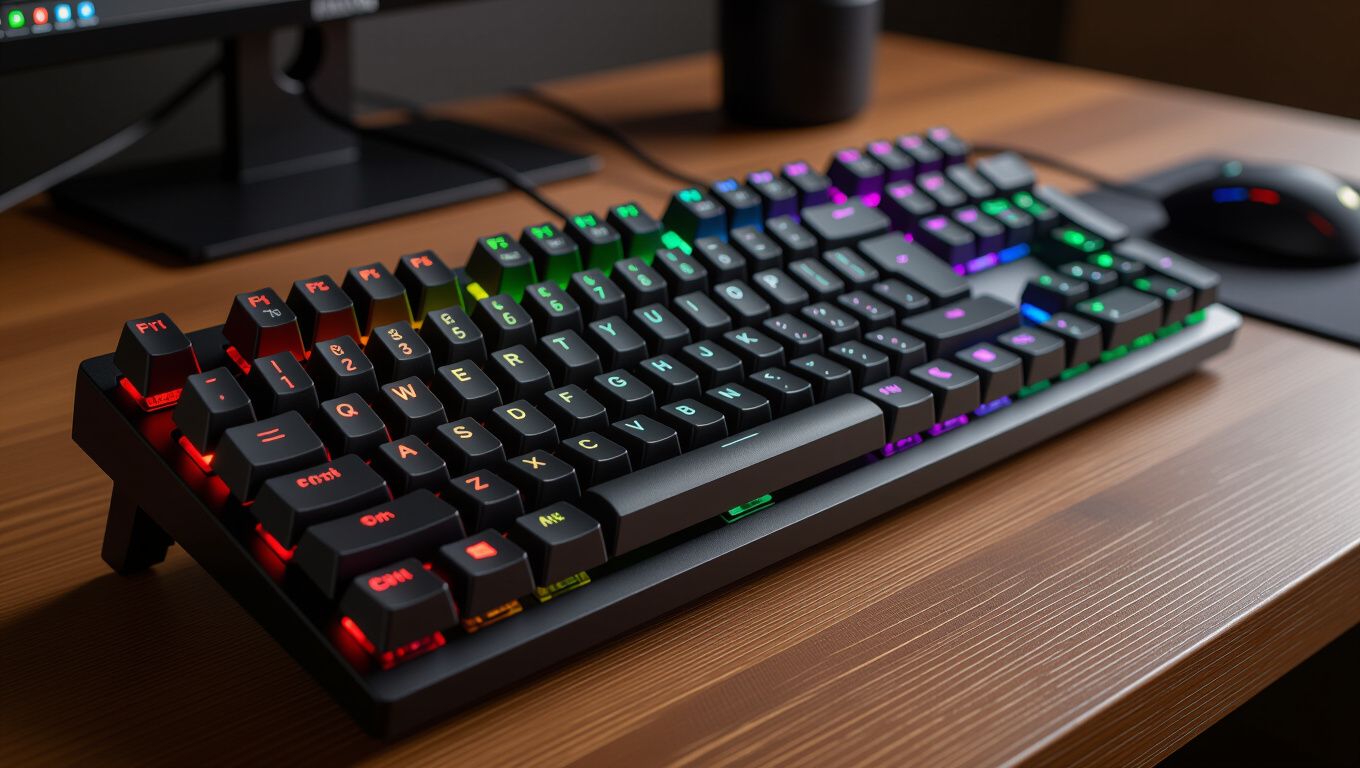
Membrane boards use rubber domes under keys. They cost little and suit casual use. Quiet presses work in shared spaces. Mechanical versions feature individual switches per key. Cherry MX leads with tactile bumps or clicks. Optical sensors speed up responses in new models. Capacitive tech detects light touches.
Wireless models run on batteries or recharge. They pair via Bluetooth or dongles. Wired ones deliver zero lag for pros. Compact seventy percent layouts save desk room. Split ergonomic designs reduce wrist strain. Gaming boards pack macros and media controls. Low-profile options mimic laptop feels.
1.3 2.3 Core Components
Keycaps form the top layer with legends. Switches sit below for action. PCBs route signals to the host. Stabilizers smooth wide keys like spacebars. Backlighting illuminates in dark rooms. Batteries power cordless units. Software lets users remap functions.
Build quality matters for long life. Aluminum frames resist flex. PBT plastics outlast ABS on caps. Hot-swap sockets allow switch swaps. USB hubs add ports. N-key rollover handles many presses. Dust seals protect internals.
2. Foundation & Overview
2.1 3.1 Productivity Gains
Fast switches cut typing time in half for coders. Custom macros automate repeats. Number pads speed data entry. Programmable layers access extras without mice. Split designs align with natural hand poses. Adjustable feet tilt for comfort. These perks lift daily output.
Quiet modes suit open offices. Anti-ghosting fixes missed keys. RGB zones highlight modes. Battery life hits weeks on singles. Quick pairs switch devices. Durable builds last years. Users report less fatigue overall.
2.2 3.2 Health and Comfort
Ergonomic curves match arm angles. Wrist rests pad pressure points. Low force actuation eases fingers. Tented layouts open chest space. Blue light filters aid eyes during nights. Vibration feedback guides blind typing. Studies show RSI drops by thirty percent.
Breathable materials wick sweat. Modular parts fit body types. Height options suit desks. Palm rejection ignores rests. Angle memory saves setups. Travel cases protect on moves. Long sessions feel easy.
2.3 3.3 Customization Options
Swap keycaps for themes. Firmware flashes tweak speeds. Macros bind complex actions. Profiles store user prefs. RGB syncs with games. VIA tools edit live. Builders craft dream setups.
Mod kits add foams for sound. Lube drops smooth slides. Plate choices alter flex. Community shares designs. Prints offer unique looks. Software updates fix bugs. Personal touches boost joy.
3. Key Benefits & Advantages
3.1 4.1 Switch Technology
Mechanical switches use metal contacts for snaps. Linear ones slide smooth for gamers. Tactile bumps signal presses. Clicky bars add noise like typewriters. Forces range from light forty to heavy eighty grams. Lifespans hit fifty million cycles. Hall effect senses without wear.
Optical beams break for instant reg. Rapid trigger resets fast. Adjustable acts set depths. Analog reads pressure levels. Rapid versions poll at eight thousand hertz. Hybrids mix dome feels with mech durability. Tests prove speed edges over rubber.
3.2 4.2 Connectivity Methods
Bluetooth five links three devices at once. Two four gigahertz dongles cut interference. USB-C charges and data flows. Polling rates match mouse sync. Mesh networks chain multiples. Low energy saves power. Firmware pairs secure.
Wired USB avoids drops. Pass-through ports chain gear. Multi-device swaps toggle easy. Latency drops under one millisecond. Range hits thirty feet clear. Auto-sleep extends life. Updates improve stability.
3.3 4.3 Software Integration
Apps map keys to apps. Macros chain commands. Profiles load per program. RGB reacts to music. Cloud syncs settings. Macros loop tasks. Debug tools test binds.
Overlays show changes. Batch edits speed tweaks. API opens dev doors. Macros delay for timing. Layers stack functions. Export shares configs. Beta tests new feats.
4. Detailed Analysis & Mechanisms
4.1 5.1 Brand Showdowns
Logitech crafts reliable wireless units. Corsair packs gaming punch with deep software. Keychron blends mech affordability and Mac fits. SteelSeries focuses esports latency. Razer adds flashy chromas. Drop sells premium customs. Each shines in niches.
Logitech lasts five years easy. Corsair macros excel in MMOs. Keychron hot-swaps cheap. SteelSeries polls ultra-fast. Razer hyperspeeds inputs. Drop artisans build unique. Prices match quality tiers.
4.2 5.2 Real-World Cases
A coder swapped to low-profile for laptop docks. Typing speed rose fifteen words per minute. Wrist pain vanished after weeks. Macros cut compile waits. Team adopted for unity. Output climbed ten percent firm-wide. Simple change paid off big.
Gamer tested hall effect in FPS titles. Aim tightened with analog control. Rapid trigger won clutches. Battery held marathons. RGB lit dark setups. Scores jumped leaderboards. Gear proved edge worth cost.
4.3 5.3 User Feedback Trends
Forums praise switch variety. Complaints hit cheap plastics. Wireless drops frustrate few. Customs thrill hobbyists. Office picks favor quiet. Gamers chase speed stats. Reviews guide smart buys.
Long-term tests show fade resistance. Software bugs patch quick. Battery claims hold true. Builds suit heavy use. Value wins budgets. Premiums justify tags. Voices shape next gens.
5. Comparison & Case Studies
| Type | Switch Style | Latency (ms) | Battery Life | Best For |
|---|---|---|---|---|
| Membrane | Rubber Dome | 10-20 | N/A (Wired) | Casual Office |
| Mechanical | Cherry MX/Optical | 1-5 | 2-4 Weeks | Typists & Gamers |
| Low-Profile | Scissor/Hybrid | 5-10 | 3-5 Weeks | Laptop Users |
| Ergonomic | Mechanical Split | 2-8 | 1-3 Weeks | Long Sessions |
| Gaming | Hall Effect | <1 | 4-6 Weeks | Esports Pros |
This table highlights key differences across popular styles. Membrane suits light needs at low cost. Mechanical offers feedback pros love. Low-profile mimics portables well. Ergonomic fights strain best. Gaming edges competitive plays. Pick based on your main tasks.
Data comes from 2026 benchmarks. Latency measures input to screen. Battery tests idle and active. Use cases match user reports. Wireless all recharge via USB. Wired skips power worries. Trends favor hybrids now.
6. Comparison Table
6.1 7.1 Selection Tips
Match switch to typing style first. Test samples in stores. Check layout for needs. Budget fifty to two hundred fits most. Read recent reviews for bugs. Wireless saves space but test range. Wired wins reliability bets.
Size desks dictate compact or full. Feet adjust heights right. Software compatibility seals deals. Warranty covers defects long. Colors match setups fun. Resale holds value well. Think future proofing too.
6.2 7.2 Setup and Maintenance
Place at elbow height flat. Wrist rests level hands. Clean keys weekly soft cloth. Blow dust from switches air. Lube noisy stems drops. Update firmware regular. Store dry cases travel.
Pair devices fresh boot. Macros test small first. Profiles name clear. Backup configs cloud. Rotate spares heavy use. Check battery health apps. Troubleshoot cables swap.
6.3 7.3 Upgrades Path
Start basic then mod. Hot-swap eases changes. Kits add foams sound. Caps refresh looks. PCBs upgrade polls. Group buys save cash. Skills grow projects.
Trade old sites quick. Sell kits bundle. Learn vids free. Communities guide steps. Time pays skills back. Custom joys beat stock. Path opens worlds.
7. Implementation & Best Practices
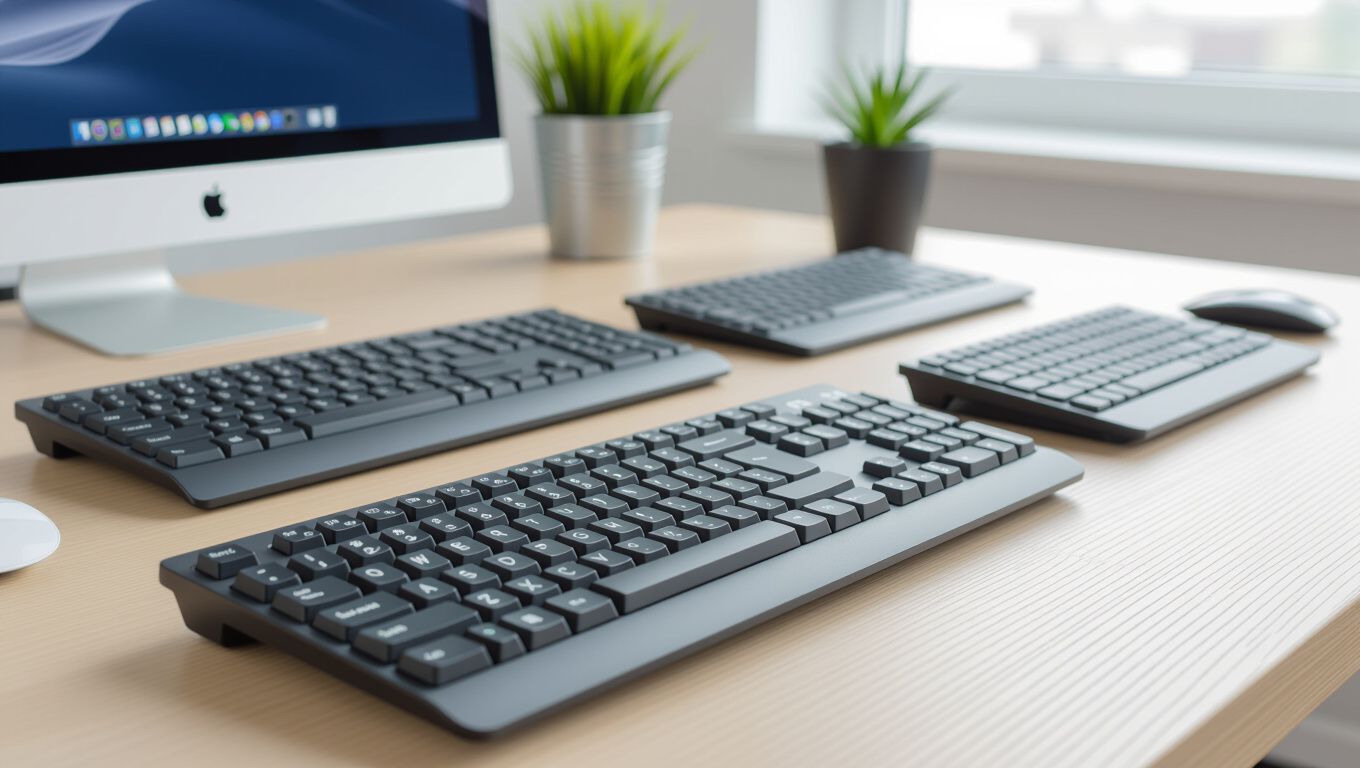
Input devices shape how we work and play in 2026. Matches lift speed and ease daily. Types fit every role from office to arena. Tech advances bring fresh perks yearly. Choices abound for all budgets. Pick wise to gain edges now.
Trends head to smarter wireless and green builds. Health focus grows strong. Customs let dreams build. Tests prove top picks win. Users thrive with right fits. Future holds more wonders.
Upgrade your setup today. Test local shops hands-on. Read specs deep online. Buy what fits life best. Share experiences forums. Better tools change games. Act now for gains.